
A visitor lands on your website, sees a browser warning that the connection is not private, and leaves before reading a single product description or filling out your contact form. That is the practical reason SSL certificate safety matters. It protects the connection between your website and its visitors while giving customers a visible signal that your business takes their privacy seriously.
For a local service company, online store, nonprofit, consultant, or new startup, an SSL certificate is not just a technical add-on. It is a basic part of operating a credible website. The good news is that the core idea is simple: SSL helps keep information sent through your site private and verifies that visitors are connected to the right website.
What SSL Certificate Safety Actually Means
SSL stands for Secure Sockets Layer, although the modern security protocol behind most encrypted website connections is technically called TLS, or Transport Layer Security. People still commonly say “SSL certificate,” and browsers use certificates to establish secure HTTPS connections.
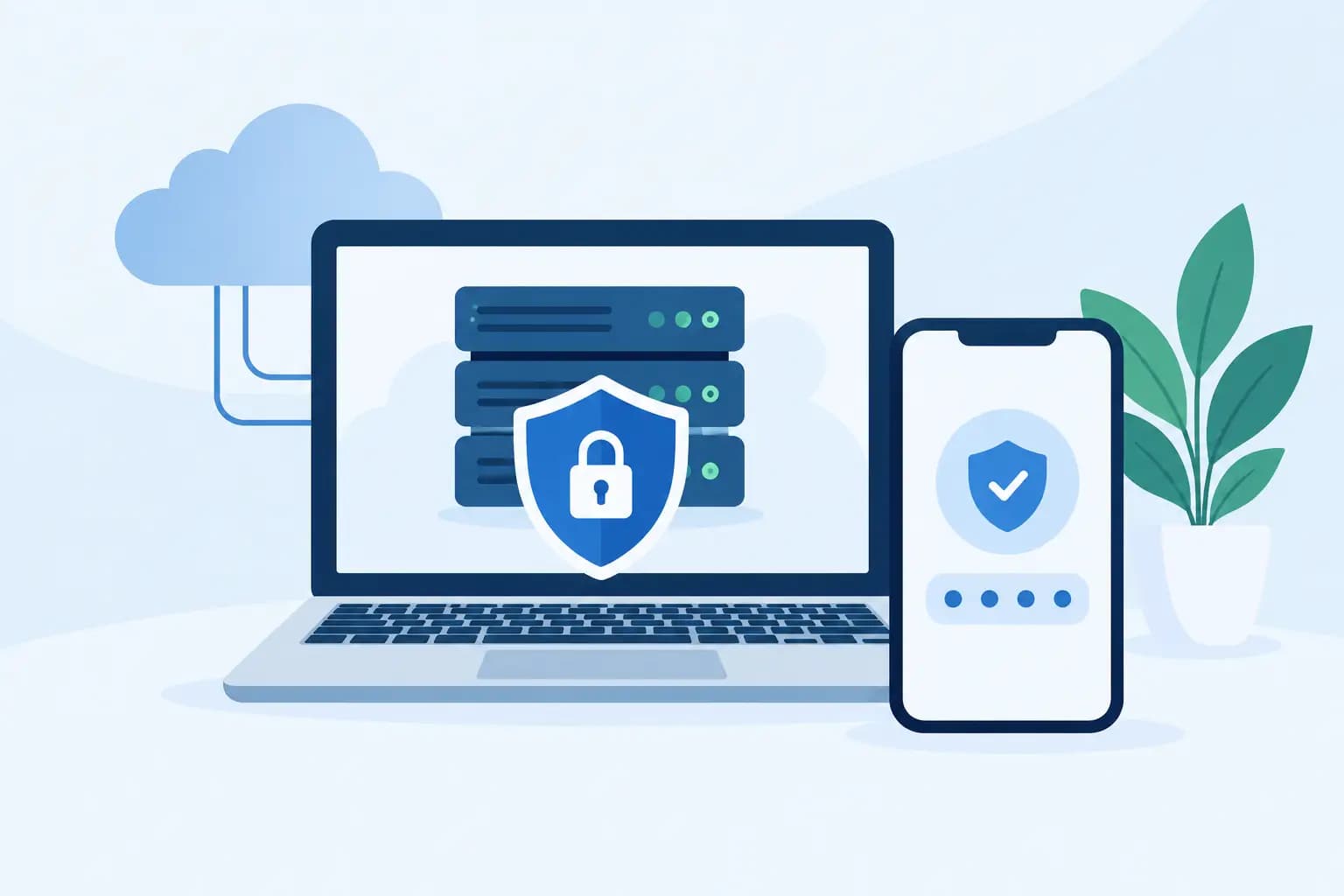
When a valid certificate is installed, information moving between a visitor’s browser and your website is encrypted. That can include contact form entries, login details, checkout information, newsletter signups, and other data customers expect you to handle carefully. Visitors usually recognize this protection through the padlock icon and the https:// at the beginning of a web address.
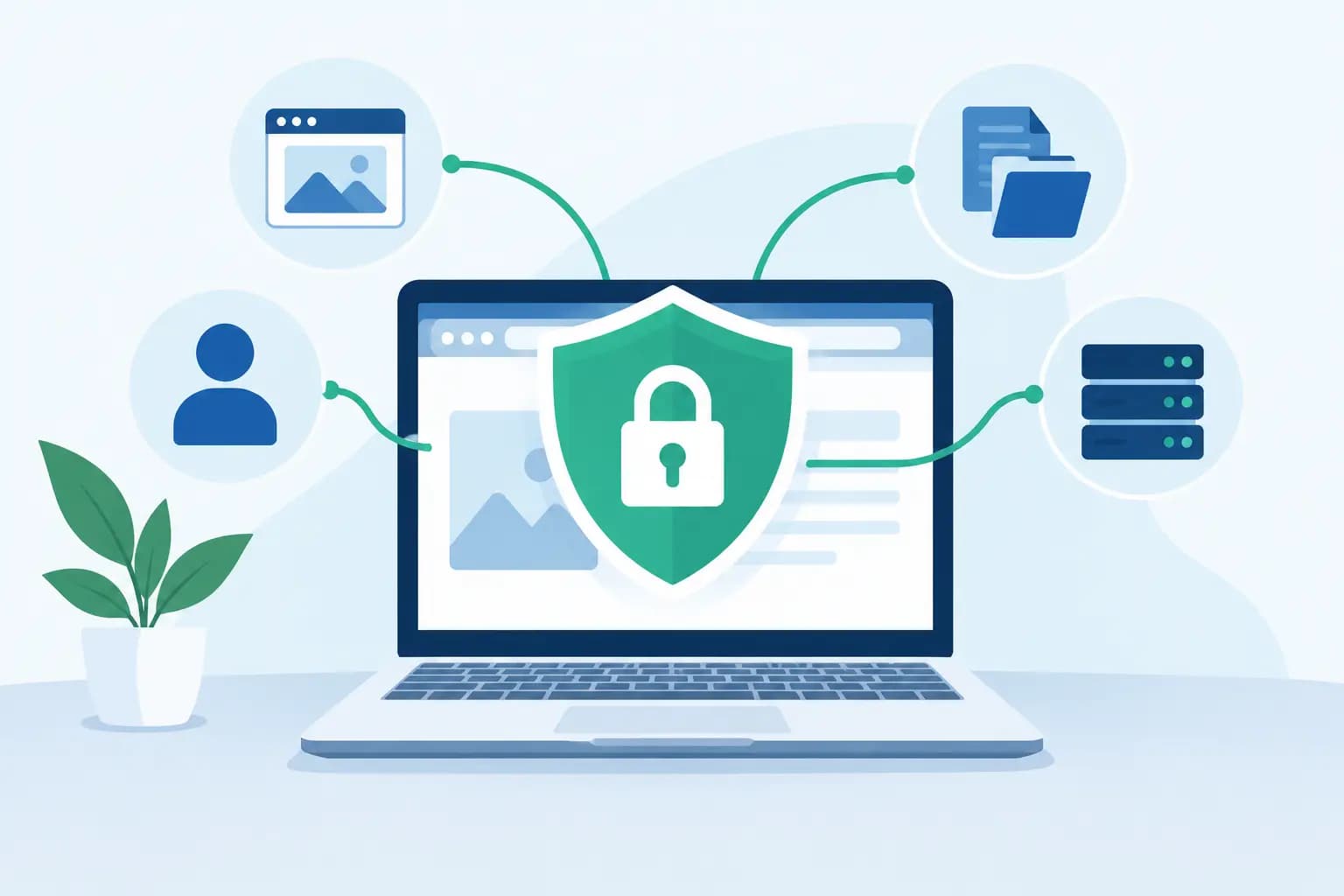
SSL certificate safety depends on more than seeing a padlock. The certificate must be valid, installed correctly, renewed on time, and matched to the correct domain. Your website also needs to use HTTPS consistently rather than loading some pages or resources through an unprotected connection.
Why HTTPS Builds Business Trust
Small businesses often focus first on design, service pages, and marketing. Those matter, but trust is what gives visitors enough confidence to call, purchase, donate, or submit a form. A browser privacy warning can interrupt that decision immediately.
HTTPS is especially valuable when your website collects any information from visitors. A simple request-a-quote form may ask for a name, phone number, email address, project details, or home service location. Even if you do not run an online store, that is information customers expect to submit privately.
For e-commerce businesses, the stakes are higher. Customers need confidence when creating accounts, entering payment details through an approved payment provider, checking order status, or updating shipping information. SSL is one foundational layer in a larger security approach, but it is a required foundation.
Search visibility is another consideration. Search engines have long favored secure HTTPS experiences as a positive quality signal. An SSL certificate alone will not move a website to the top of search results, but an unsecured site can create avoidable trust and usability problems that work against your broader marketing efforts.
What an SSL Certificate Does and Does Not Do
An SSL certificate encrypts data in transit. In plain language, it helps prevent information from being easily read while it travels between a visitor and your website. It also helps confirm that the browser is communicating with the domain named on the certificate.
That protection is meaningful, but it has limits. SSL does not automatically secure weak website passwords, outdated plugins, poorly managed user accounts, or unneeded administrator access. It does not replace reliable backups, software updates, secure business email practices, or thoughtful website management.
Think of it like a locked front door. The lock is essential, but a secure business also needs good key management, working lights, and a plan for maintaining the property. SSL certificate safety works best when it is part of a complete website care routine.
Choosing the Right Type of SSL Certificate
Not every website needs the same certificate setup. The right choice depends on your domain structure, the number of sites you manage, and how your business uses its website.
A standard single-domain certificate covers one domain or hostname, such as yourbusiness.com or www.yourbusiness.com, depending on the certificate configuration. This is a practical fit for many brochure websites, portfolios, blogs, and small business sites.
A wildcard certificate protects a primary domain and multiple first-level subdomains, such as shop.yourbusiness.com, portal.yourbusiness.com, or members.yourbusiness.com. It can simplify management for a business with several subdomains, though it should be handled carefully because it covers more of your domain environment.
A multi-domain certificate can cover several distinct domain names under one certificate. That may help organizations managing multiple brands or campaigns. It is not automatically better, however. Separate certificates can sometimes make administration and troubleshooting clearer, particularly when different websites are hosted or managed by different teams.
You may also see certificates described by their validation level. Domain validation confirms control of a domain and is commonly used for standard business websites. Organization validation involves additional business verification. Extended validation has stricter verification requirements, though modern browsers no longer display the prominent visual treatment many business owners once associated with it. For most small businesses, a properly managed domain-validated certificate delivers the HTTPS protection visitors need.
Common SSL Certificate Safety Problems
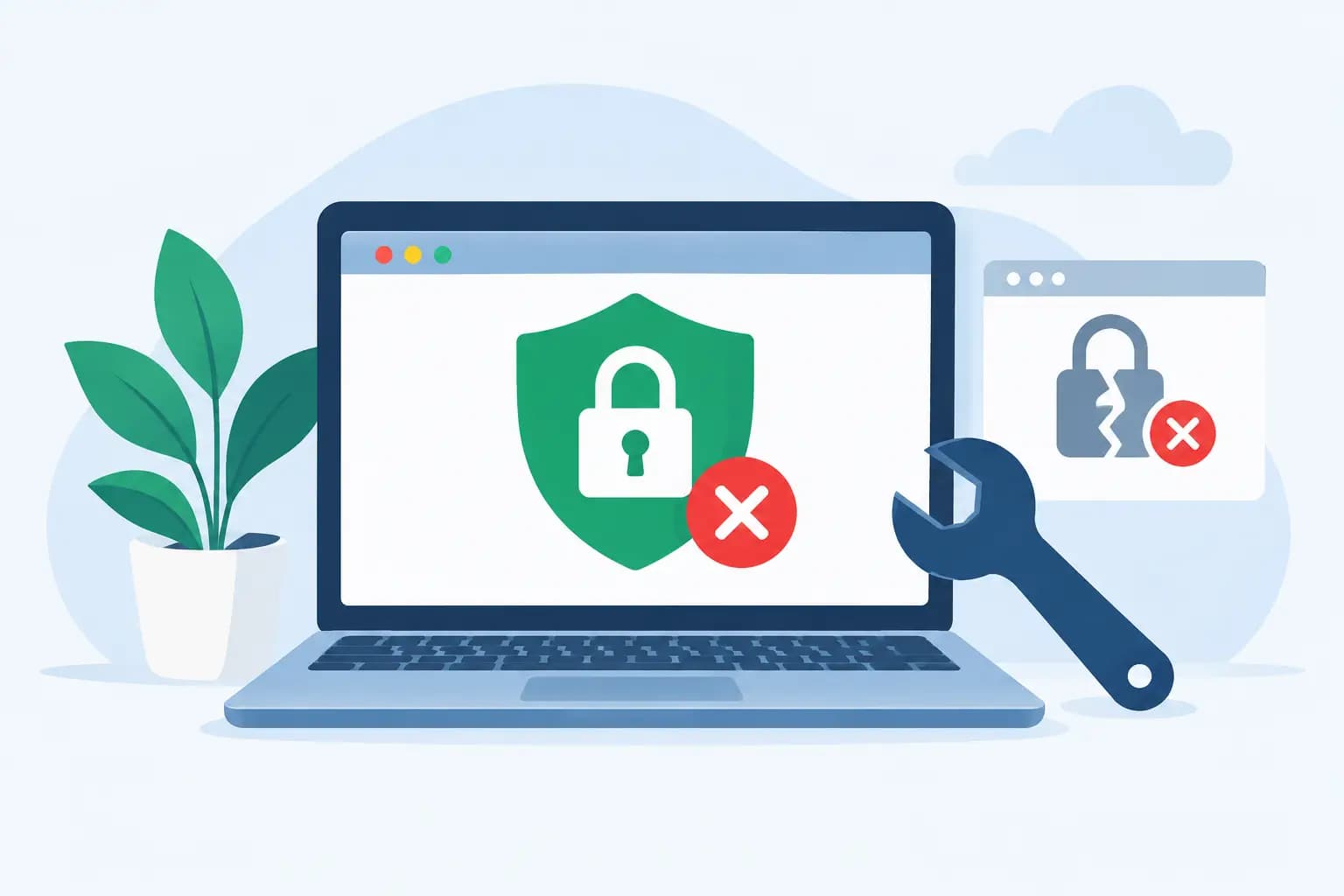
The most common certificate issue is expiration. Certificates have a set validity period, and browsers will show warnings when a certificate is no longer valid. Automatic renewal reduces this risk, but it is still wise to confirm that renewal notices go to an actively monitored business email address.
Another frequent problem is a domain mismatch. For example, a certificate issued only for www.yourbusiness.com may not cover yourbusiness.com unless both names are included. Visitors may see warnings even though the site itself is functioning. This is why domain planning matters before installation.
Mixed content is also common after moving a site to HTTPS. This happens when a secure page loads an image, script, font, or other resource using an old http:// address. The page may appear mostly secure, but browsers can flag the issue or block parts of the content. A proper HTTPS migration includes checking pages, theme settings, plugins, redirects, and embedded assets.
Finally, a certificate can be installed correctly while the website still redirects visitors inconsistently. Every version of your domain should lead to one preferred HTTPS version. That includes the non-www and www versions where applicable. Consistency helps users, browsers, and search engines reach the correct secure address.
A Practical SSL Checklist for Business Owners
You do not need to become a security specialist to keep your certificate in good shape. Set up the certificate through a trusted hosting or website provider, then confirm that your home page, contact page, login area, and checkout pages load with HTTPS and without browser warnings.
Next, make sure renewal is automated when possible. Keep the account contact details current, especially your business email address. If your domain registration, hosting, and website management are handled by different providers, document who is responsible for each renewal and who receives alerts.
Review your site after major changes. A website redesign, migration, plugin update, new subdomain, or move to a different hosting environment can affect HTTPS settings. Test the customer journey, not just the homepage. Submit a form, visit key landing pages, sign in to customer areas if you use them, and test checkout if you sell online.
Maintain the rest of your website as well. Use strong, unique passwords, remove unused accounts, apply trusted updates, and keep regular backups. Reliable hosting, current software, and accessible support all make SSL management less stressful when something needs attention.
When Free SSL Is Enough and When More Support Helps
For many websites, a trusted free SSL certificate provides the same core encryption as a paid certificate. Encryption strength is not determined by price alone. A free certificate can be an excellent choice for a standard small business website when it is properly installed, renewed, and supported by secure hosting.
The difference often comes down to management needs. A paid option may include additional validation, warranty terms, specialized support, multi-domain coverage, or easier administration for a complex environment. Businesses with many domains, subdomains, customer portals, or internal teams may value those operational benefits.
What matters most is not choosing the most expensive option. It is choosing a certificate that fits your site, configuring it correctly, and making sure someone is accountable for keeping it active. GiddyHost helps make that process simpler by pairing secure hosting essentials with practical support for businesses building and maintaining their online presence.
Your website should make customers feel ready to take the next step, not uncertain about whether their information is protected. Keep your certificate current, use HTTPS across the full site, and treat website security as ongoing business maintenance rather than a one-time setup task.