A website can look polished on launch day and still quietly lose business months later. A broken contact form, an expired domain, an outdated product price, or a slow checkout page can turn ready-to-buy visitors into missed opportunities. That is why essential website maintenance tasks deserve a place on your business calendar, not just your technical to-do list.
For small businesses, maintenance is less about chasing every new feature and more about protecting what already works: your brand, customer experience, search visibility, and ability to generate leads or sales. The right routine keeps technical issues manageable and gives you more confidence that your website is working for your business around the clock.
Essential Website Maintenance Tasks That Protect Your Business
1. Confirm that backups are running and usable
A backup is your recovery plan when something goes wrong, whether it is an accidental deletion, a failed update, or a hosting issue. Many website owners assume backups exist until they need one. Instead, confirm how often your site is backed up, how long copies are retained, and whether you can restore a recent version when needed.
The right backup frequency depends on how often your site changes. A brochure-style business site may be fine with daily backups, while an online store, membership site, or active blog may need more frequent copies. Just as important, make sure your backup includes your website files, database, images, and email-related settings if those are part of your setup.
2. Apply updates with a plan
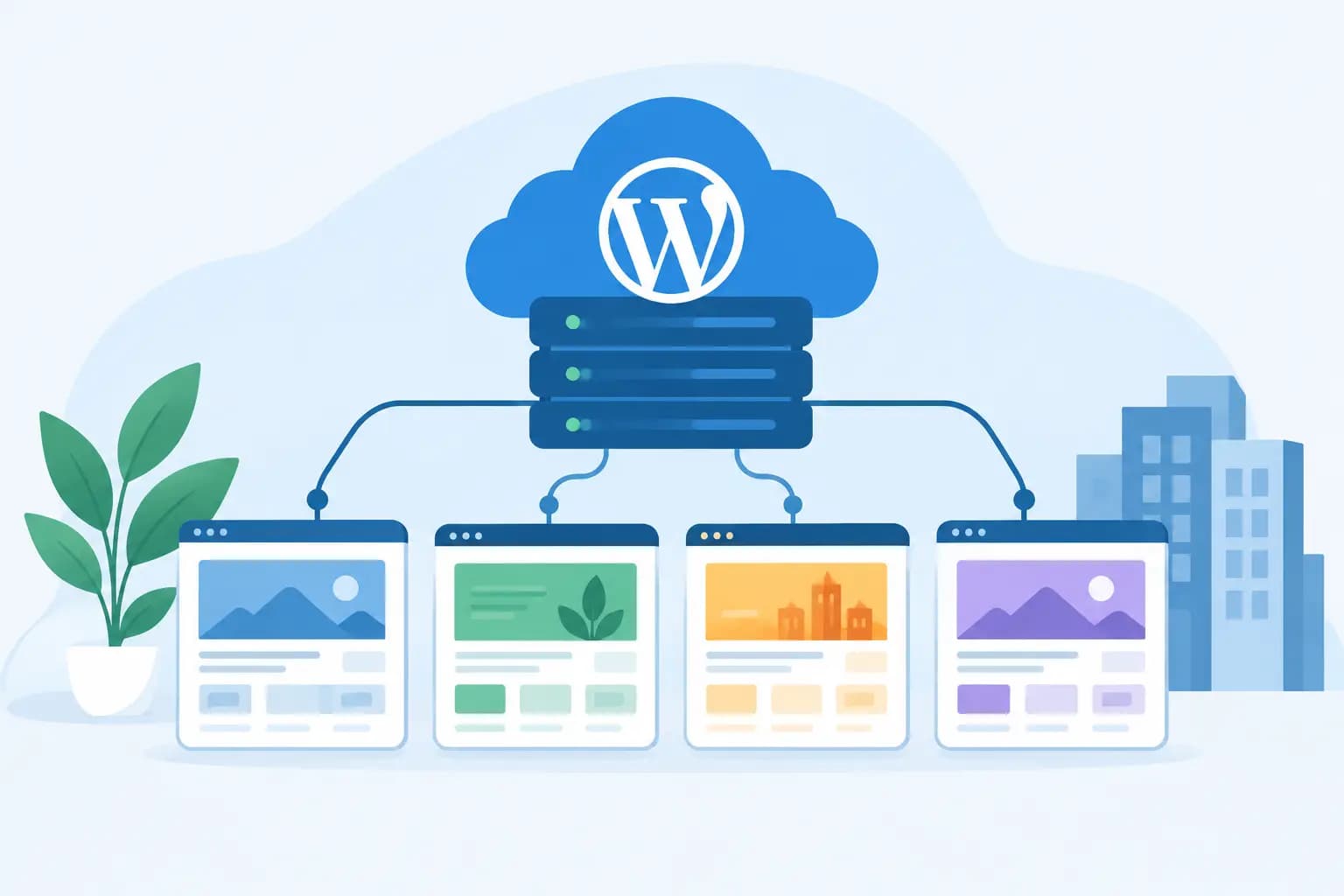
WordPress core, themes, plugins, and other website software require regular updates. These updates can fix bugs, improve compatibility, and address known security concerns. Leaving them untouched for months creates unnecessary risk, but updating everything without checking can also cause conflicts.
Start by taking a backup, then update one group of items at a time. Afterward, test the pages and actions that matter most to your business, such as the homepage, contact form, online booking tool, shopping cart, and checkout. If your website has a staging environment, use it to test significant updates before applying them to the live site.
Remove themes and plugins you no longer use. Inactive tools are easy to forget, yet they can become outdated and add clutter to your admin area. Keep only software that serves a clear business purpose.
3. Test forms, checkout, and key customer actions
Your website may be online, but that does not mean every customer pathway works. A contact form can stop delivering messages after an email configuration change. A scheduling widget can fail after an update. A coupon code or payment option may behave differently than expected.
Once a month, submit a test inquiry through your main contact form and verify that it arrives in the right inbox. If you sell online, place a test order or walk through the checkout process. Review confirmation emails, thank-you pages, booking notifications, and any automated follow-up messages.
This task is especially valuable for service businesses that rely on inquiries. A missed lead often has no visible warning – the prospect simply moves on to another provider.
4. Review site speed from a visitor’s perspective
Slow pages can frustrate visitors before they have a chance to understand what you offer. Speed also affects how professionally your business feels, particularly on mobile devices and weaker connections.
Check your homepage, a service or product page, and the contact or checkout page on both desktop and mobile. Watch for oversized images, video files that load automatically, excessive pop-ups, and outdated plugins that add unnecessary page weight. Hosting resources matter too. As traffic, content, or store activity grows, a plan that once fit your website may need more processing power, storage, or caching support.
Do not make speed decisions based on one test score alone. A high score is useful, but reliable real-world performance for customers is the bigger goal. Focus first on the pages that generate calls, leads, bookings, and sales.
5. Check for broken links and missing pages
Broken links send a poor signal to visitors. They also make it harder for search engines and customers to move through your site. Common trouble spots include old blog posts, discontinued products, image links, downloadable files, social profiles, and menu items changed during a redesign.
Review your primary navigation manually, then check important pages for outdated internal and external links. If a page has moved, create an appropriate redirect so visitors do not land on an error page. For discontinued products or services, guide visitors toward a current alternative whenever possible.
A small quarterly review can prevent years of outdated links from building up across your website.
6. Refresh business details and high-value content
Website content goes stale faster than many owners expect. Hours, service areas, staff bios, pricing, product availability, policies, seasonal offers, and phone numbers all need occasional review. For local businesses, inconsistent address and contact details can also create confusion for people trying to reach you.
Start with your most visited pages and your conversion pages. Ask a simple question: if a new customer saw this page today, would every detail help them make an informed decision? Update claims that are no longer accurate, replace old photos when they no longer reflect your business, and make sure calls to action match how you currently want people to contact you.
For bloggers and content creators, this is also a chance to refresh strong older articles with current examples, clearer headings, and accurate recommendations. You do not need to rewrite every page. Prioritize content tied directly to revenue, inquiries, or your core services.
7. Monitor security settings and user access
Good website security is a routine, not a one-time setup. Review who has administrator access to your website, hosting account, domain account, and business email. Remove former employees, contractors, or agencies that no longer need access, and give each current user only the permissions required for their role.
Use strong, unique passwords and enable multi-factor authentication where available. Confirm that your site uses a valid SSL certificate so visitors see a secure connection in their browser. Also review automated security notifications rather than letting them collect unread in an inbox.
For an e-commerce website, user access deserves extra attention. Limit administrative access to trusted team members and review account permissions whenever responsibilities change.
8. Keep your domain and email services current
A domain expiration can take down your website and interrupt email at the same time. Verify that your domain registration contact information is accurate, renewal settings are active, and reminders go to an inbox someone actively monitors. The same principle applies to business email renewals and billing notices.
Use an email address that is not dependent on a single employee or an inbox you rarely check. A shared operations or owner-managed address can help ensure renewal notices do not disappear when staffing changes.
This may sound basic, but it is one of the highest-impact checks on the list. A well-maintained website cannot help customers if its domain has expired.
9. Review analytics and error reports
Maintenance should be informed by what visitors actually do. Look at trends in traffic, top pages, mobile usage, form submissions, sales, and conversion paths. You are not searching for perfect numbers. You are looking for changes that deserve attention, such as a sharp decline in inquiries, a popular page with a high exit rate, or a service page receiving traffic but generating few calls.
Also review website error reports and server resource notices if your hosting provider makes them available. Repeated errors can point to plugin conflicts, missing files, poorly configured forms, or a need for additional hosting resources. Addressing these signs early is usually easier than waiting for a customer to report a problem.
10. Put maintenance on a realistic schedule
The best maintenance plan is one your team can follow consistently. Trying to inspect every setting every week is unnecessary for many small business websites. On the other hand, waiting until something breaks can become expensive and stressful.
A practical rhythm is to handle backups, updates, form tests, and basic security checks monthly. Review content, broken links, user access, and performance quarterly. Once or twice a year, take a broader look at your hosting needs, domain renewals, website goals, and whether the design still supports the way customers buy from you.
If you manage the site yourself, reserve a recurring calendar block and keep a short record of what you changed. If a developer, agency, or hosting team supports your website, clarify who owns each task and how issues are reported. GiddyHost customers can also benefit from keeping hosting, domain, and website support details organized in one place, making routine decisions simpler when updates or renewals are due.
A website does not need constant rebuilding to stay valuable. It needs consistent attention to the details customers notice only when they fail. Make maintenance part of how you run your business, and your site will be better prepared to support the next customer who is ready to contact, book, or buy.