
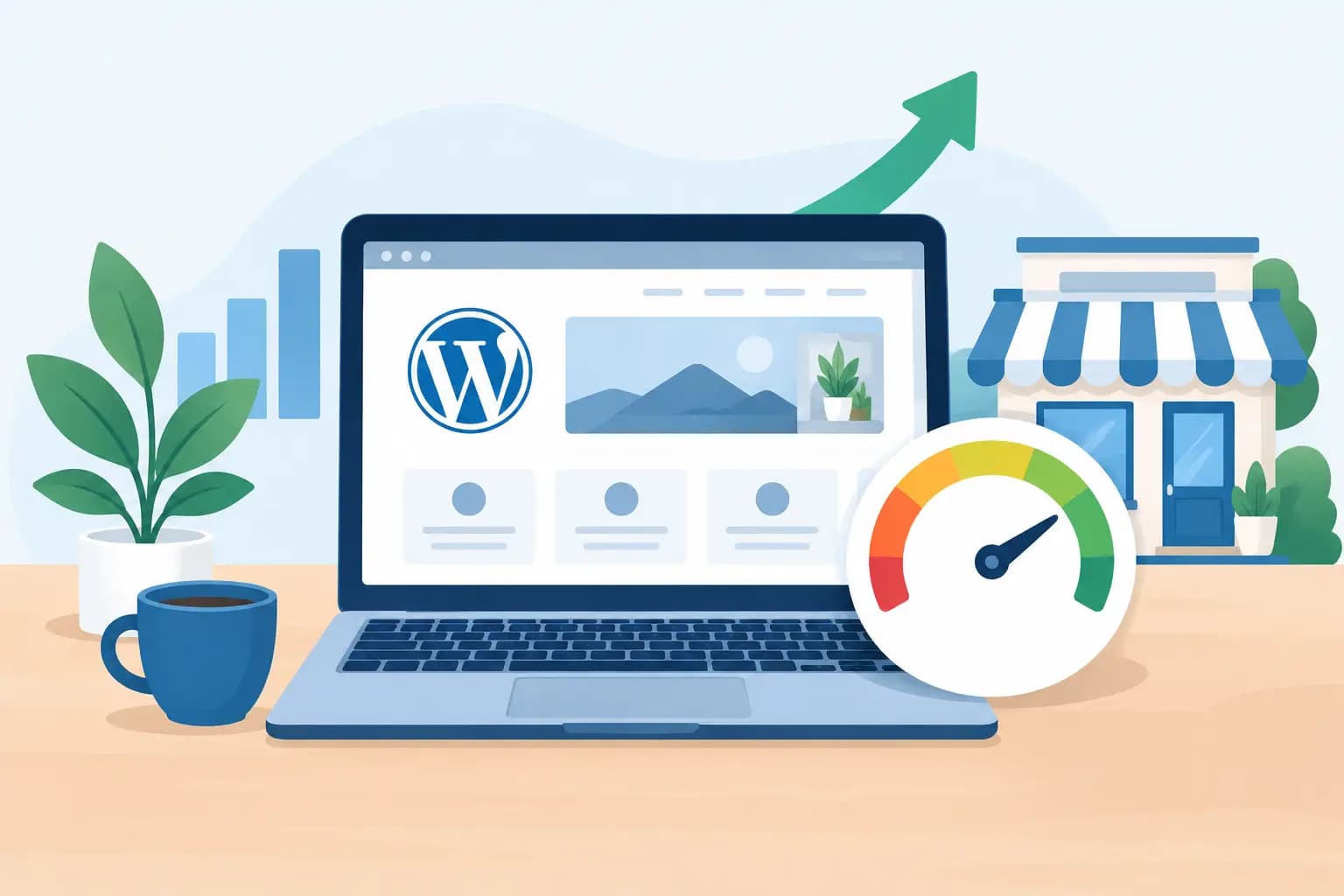
A slow website can lose a customer before they read your services, view your products, or fill out a contact form. This WordPress performance example shows how a typical small business site can identify the causes of slow loading and make practical improvements without turning website management into a full-time job.
The goal is not to chase a perfect score in every testing tool. The goal is a site that opens quickly for real visitors, stays responsive on mobile devices, and gives prospective customers confidence in your business.
A WordPress Performance Example, Measured Step by Step
Consider a fictional but realistic example: a local service company has a WordPress site with a home page, five service pages, a gallery, a contact form, and a blog. The site looks professional, but the owner notices that mobile visitors leave quickly and the page feels sluggish when opening it on a phone.
A performance test reveals several issues. The home page has a large hero image, a slider with five additional images, multiple page-builder assets, social media scripts, an embedded map, and more than 30 active plugins. The site also runs on a basic hosting plan that shares resources with many other accounts.
The initial results might look like this:
- The first visible content appears after about 3.5 seconds on a simulated mobile connection.
- The largest image or banner takes more than 6 seconds to fully display.
- The page transfers several megabytes of images and scripts before it becomes useful.
- The contact form and navigation feel delayed while browser scripts finish loading.
These figures are illustrative, not a promise or a universal benchmark. A site with an online store, video background, membership area, or large product catalog will have different needs. Still, the pattern is common: the site is asking visitors’ browsers to do too much before showing the information they came to find.
What the numbers mean for a business
A performance score matters less than the visitor experience behind it. If a homeowner in Baltimore searches for an emergency repair service, they want a clear phone number, service area, and way to request help right away. If those essentials are hidden behind a slow image slider or delayed by third-party scripts, the website creates friction at the exact moment it should make contacting the business easy.
For an ecommerce store, delays can affect product browsing and cart activity. For a consultant, nonprofit, church, or freelancer, they can make a polished brand feel less dependable. Speed does not guarantee search rankings or sales, but it supports the experience that helps visitors stay engaged.
Where This WordPress Performance Example Found the Bottlenecks
In this case, the biggest improvement did not come from a single dramatic change. It came from matching each problem to the right fix.
Images were larger than the page needed
The home page used a 4,000-pixel-wide photo as a banner, even though most mobile visitors viewed it at a fraction of that width. The gallery images were uploaded directly from a camera, and several were larger than 1 MB each.
The owner resized images to sensible display dimensions, compressed them, and served modern image formats where supported. They also enabled lazy loading for images farther down the page. The main banner stayed optimized for quality because it is visible immediately, while gallery images loaded only as visitors approached them.
This is a useful trade-off: aggressive compression can make photography look poor, especially for designers, restaurants, real estate professionals, and product-based businesses. The answer is not to make every image tiny. It is to use the smallest file that still looks right in its actual position on the page.
The page builder and plugins added unnecessary weight
Page builders can help business owners create and update pages without writing code. They can also load extra styles and scripts when layouts become overly complex. In this example, the home page had animation effects, duplicate font files, a carousel, popup software, two analytics tools, and plugins installed for features that were no longer in use.
The owner removed inactive and duplicate plugins, replaced the slider with one focused banner, and turned off effects that did not support the page’s purpose. They also reviewed each third-party script. A chat widget or scheduling tool may be valuable, but every outside service should earn its place on the site.
Keeping plugins to an arbitrary number is not the point. A well-built site can use many plugins responsibly. What matters is whether each plugin is actively maintained, necessary, compatible, and efficient.
Hosting resources were limiting consistency
Even an optimized WordPress site can slow down when its hosting environment cannot respond efficiently during busy periods. The original plan had limited processing resources, and the site did not have server-level caching configured.
After moving to a WordPress-focused hosting setup with faster storage, caching support, and sufficient resources for the site’s traffic, the server began delivering pages more consistently. Features such as LiteSpeed Enterprise, Redis object caching, NVMe storage, and adequate vCPU capacity can be meaningful when they are properly matched to the website’s size and workload.
Hosting is not a magic switch. It will not fix an oversized homepage or poorly configured plugin. But it provides the foundation on which the rest of the optimization work depends. For businesses that rely on their website for leads, orders, bookings, or donations, consistent performance is worth treating as an operational decision rather than an afterthought.
The Improvements After Optimization
Once the images, scripts, page layout, caching, and hosting setup were addressed, the site was tested again using the same page and similar test conditions. The first visible content appeared much sooner, the main banner loaded faster, and the navigation was ready earlier.
The practical result was a home page that felt more direct. Visitors could immediately see what the company offered and how to get in touch. The business did not need a flashy slider to make an impression. It needed a clear message, a fast path to its contact options, and a site that worked well on the devices customers actually use.
This is where performance work often pays off beyond testing tools. A lighter page is easier to maintain. Fewer unnecessary plugins reduce compatibility problems during updates. A simpler design makes key calls to action easier to spot. Better hosting can also give site owners more breathing room when traffic rises after a promotion, a seasonal rush, or a successful social media post.
A Smart Order for Improving WordPress Speed
Small business owners do not need to fix everything at once. Start with the page that matters most, usually the home page, primary service page, online store category, or landing page used in advertising.
First, test the page from a mobile perspective and look at what loads before the visitor can take action. Then review oversized images, unused plugins, heavy sliders, embedded videos, and third-party scripts. Next, make sure caching is configured correctly and that your hosting plan fits the website’s real traffic and resource needs.
Before making major changes, create a backup and test updates in a staging environment when possible. This matters especially for online stores, appointment systems, and membership sites, where caching or plugin changes can affect dynamic pages. Cart, checkout, account, and booking pages often need different caching rules than a standard brochure website.
When a Faster Site Needs More Than Optimization
Sometimes the issue is not simply a large image or an old plugin. A site may have outgrown its original structure. For example, an online store with thousands of products, a high-traffic blog, or a business with multiple integrations may need a more capable hosting plan, database cleanup, code review, or a redesigned page template.
That does not mean every business needs an expensive custom build. It means the solution should fit the workload. A five-page company website and a busy ecommerce store should not be expected to perform the same way on the same resources.
GiddyHost helps business owners simplify these decisions with WordPress hosting options designed around reliable infrastructure, performance features, and support when a website needs attention. The best starting point is an honest look at what your site does today and what you need it to do next.
A fast website is not about chasing technical bragging rights. It is about respecting a visitor’s time and making the next step with your business feel easy.