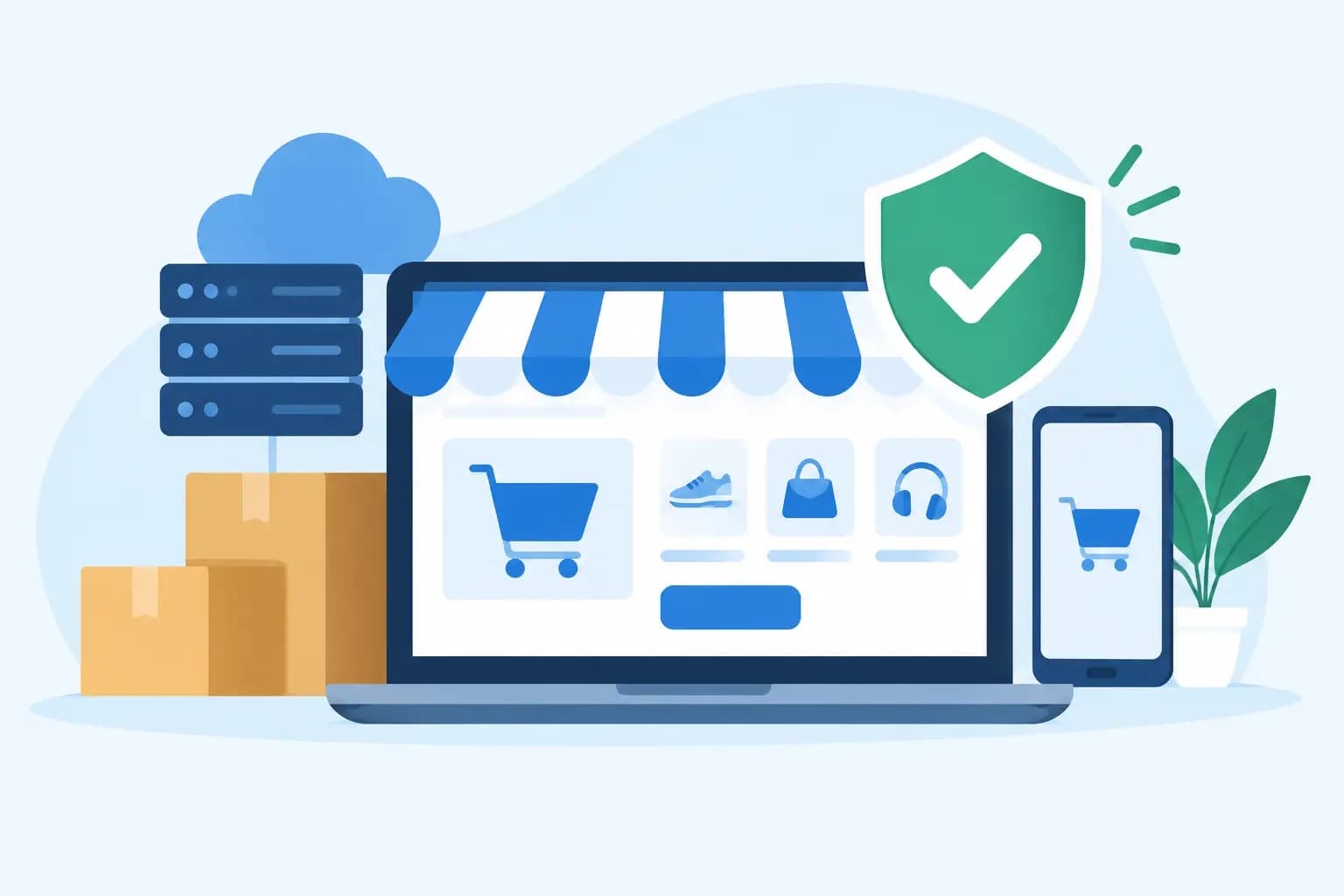

A shopper has added an item to their cart, entered a card number, and clicked “Place Order.” If your site stalls or goes offline at that moment, the sale may not come back. That is the real ecommerce uptime case: reliable hosting is not just a technical feature. It protects revenue, customer trust, paid advertising spend, and the reputation you have worked hard to build.
For a small online store, even a short outage can feel larger than the clock suggests. Customers may assume the business has closed, wonder whether their payment information is safe, or buy from another store instead. The goal is not to promise that technology will never have an issue. The goal is to choose infrastructure, support, and processes that reduce risk and help your business recover quickly when something unexpected happens.
Why Ecommerce Uptime Matters More Than a Percentage
Uptime is the amount of time your website is available and functioning as expected. Hosting providers often express it as a percentage, but store owners should look beyond that number.
For example, 99.9% uptime may sound nearly perfect. Over a full year, however, that can allow for more than eight hours of downtime. The real impact depends on when it happens. Ten minutes during a quiet weekday may be manageable. Ten minutes during a holiday promotion, product launch, or social media campaign can cost far more.
Availability also has to mean more than a homepage that loads. An ecommerce site is only truly available when customers can browse products, search inventory, add items to a cart, log in, complete checkout, receive confirmation emails, and access the site securely. A store with a working homepage but a broken checkout is still losing business.
This is why uptime should be viewed as a business continuity issue. Your website is part storefront, part sales associate, and part customer service desk. When it is unavailable, every one of those functions is interrupted.
The Cost of Downtime Is Not Just Lost Orders
The most visible cost is the revenue from orders that could not be completed. You can estimate that by looking at average hourly sales, then adjusting for high-traffic periods. But direct sales are only one part of the picture.
If you are paying for search ads, email promotions, influencer campaigns, or social media advertising, downtime can waste the traffic you already purchased. Visitors who land on an error page rarely wait around for a fix. Some may return later, but many will not.
There is also a trust cost. A first-time visitor has no relationship with your business yet. If the site is slow, unavailable, or displays a browser warning, they may question whether ordering is safe. Returning customers can be more forgiving, but repeated outages can still damage loyalty.
For stores that depend on seasonal demand, the risk is even higher. A florist on a major holiday, a retailer during Black Friday weekend, or a local business running a limited-time promotion cannot easily move those missed sales to another day. Reliable hosting is especially valuable when your sales calendar has peaks that matter.
What Actually Affects Store Uptime
A hosting plan matters, but no single feature creates uptime on its own. A dependable ecommerce setup is built from several connected layers.
Server Resources and Store Growth
As your catalog, traffic, and order volume grow, your site needs more processing power, memory, and database capacity. Shared hosting can be an affordable starting point for a new store, especially when traffic is modest. However, a busy WooCommerce store, a large product catalog, or frequent sales events may need a plan with stronger resource allocations.
The right choice depends on your platform and traffic pattern. A store with steady daily sales has different needs than a business that receives most of its visitors in short bursts after marketing emails or viral posts. Ask how your hosting environment handles increased demand, rather than choosing a plan based on storage alone.
Performance Features That Reduce Strain
Fast-loading sites are easier for customers to use, but performance also supports availability. When a server is under pressure, efficient caching and optimized software can reduce the work required to deliver pages.
Features such as NVMe storage, LiteSpeed Enterprise, Redis caching, current PHP versions, and properly configured databases can make a meaningful difference for WordPress and WooCommerce stores. These tools are not magic fixes for an overloaded or poorly maintained site. They do, however, give your store a stronger technical foundation.
Security and Software Maintenance
An outdated plugin, neglected theme, expired SSL certificate, or incompatible update can take a checkout page offline just as surely as a server problem. Ecommerce uptime includes maintaining the software that powers your store.
Keep WordPress core, plugins, and themes updated with care. Before making major changes, use a staging environment when available. It gives you a place to test updates, design changes, and new extensions before they affect live customers. For a store that processes regular orders, that extra step is often worth the time.
Backups and Recovery Options
Backups do not prevent an outage, but they can limit how long a problem lasts. If a bad update, configuration error, or data issue affects your site, a recent backup provides a recovery path.
Check how often backups run, how long they are retained, and whether restoring them is straightforward. Daily backups may suit many small stores, while businesses with frequent inventory or order changes may need a more deliberate recovery plan. It is also wise to understand what is included in a backup, such as website files, databases, email, and account settings.
How to Evaluate an Ecommerce Hosting Provider
When comparing hosting, start with the needs of your actual store instead of a generic checklist. A portfolio site and an online store may look similar on the surface, but checkout, customer accounts, product databases, and payment integrations create more moving parts.
Ask clear questions about uptime commitments and what they cover. A service-level agreement can be useful, but it is not the same as a guarantee that your website will never be unavailable. Find out how scheduled maintenance is handled, what support channels are available, and whether support can help identify issues involving WordPress, plugins, email delivery, or server resources.
You should also look for practical safeguards: SSL support, malware monitoring or security options, automated backups, staging tools, account isolation, and scalable plans. For a growing business, an easy upgrade path matters. Moving to more resources should not require rebuilding your entire online operation during a busy sales period.
For store owners who are not technical, support quality can be one of the most valuable features. Clear, responsive help is especially important when customers are waiting and every minute feels urgent. GiddyHost helps simplify these choices with hosting solutions built for business websites, WordPress stores, and customers who want dependable support without unnecessary complexity.
Build a Simple Uptime Plan for Your Store
Your host provides part of the foundation, but store owners should also have a basic response plan. It does not need to be complicated. Document who can access your domain, hosting account, ecommerce platform, payment processor, and business email. Keep those logins protected and accessible to the right people.
Set up external uptime monitoring so you can learn about a problem before a customer reports it. Monitor important pages, not only the homepage. For many stores, the product page, cart, checkout, and contact page are all worth checking.
If an outage occurs, first confirm its scope. Is the entire website down, or is the issue limited to checkout, a single plugin, or your local connection? Avoid making several rushed changes at once, because that can make diagnosis harder. Contact hosting support with the time the issue began, the affected URL, screenshots or error messages, and any recent changes to the site.
During a longer interruption, communicate clearly through channels you control, such as social media or email, if appropriate. A short, honest update is better than silence. Once the issue is resolved, review what happened and decide whether a hosting upgrade, plugin change, backup adjustment, or monitoring improvement would reduce the chance of a repeat.
Treat Uptime as Part of Customer Service
Customers may never ask what server powers your store. They will notice whether they can shop when they are ready to buy. That makes uptime a quiet but essential part of the customer experience.
Choose hosting that fits your current store, leaves room for growth, and gives you access to real support when you need it. A reliable online store lets you focus less on whether your checkout will be available and more on serving the customers who are already looking for what you sell.