
A new website can look simple from the outside: choose a domain, install WordPress, publish a few pages, and start promoting your business. The hosting decision behind it is less obvious. Managed WordPress versus shared hosting is not just a question of price. It affects how much technical work sits on your plate when your site needs updates, troubleshooting, security attention, or room to grow.
For a local service business, online store, consultant, blogger, or nonprofit, the best choice is usually the one that matches your website’s role in the business. You do not need enterprise-level resources for a simple brochure site. But a low monthly price is not a bargain if managing the website pulls you away from customers.
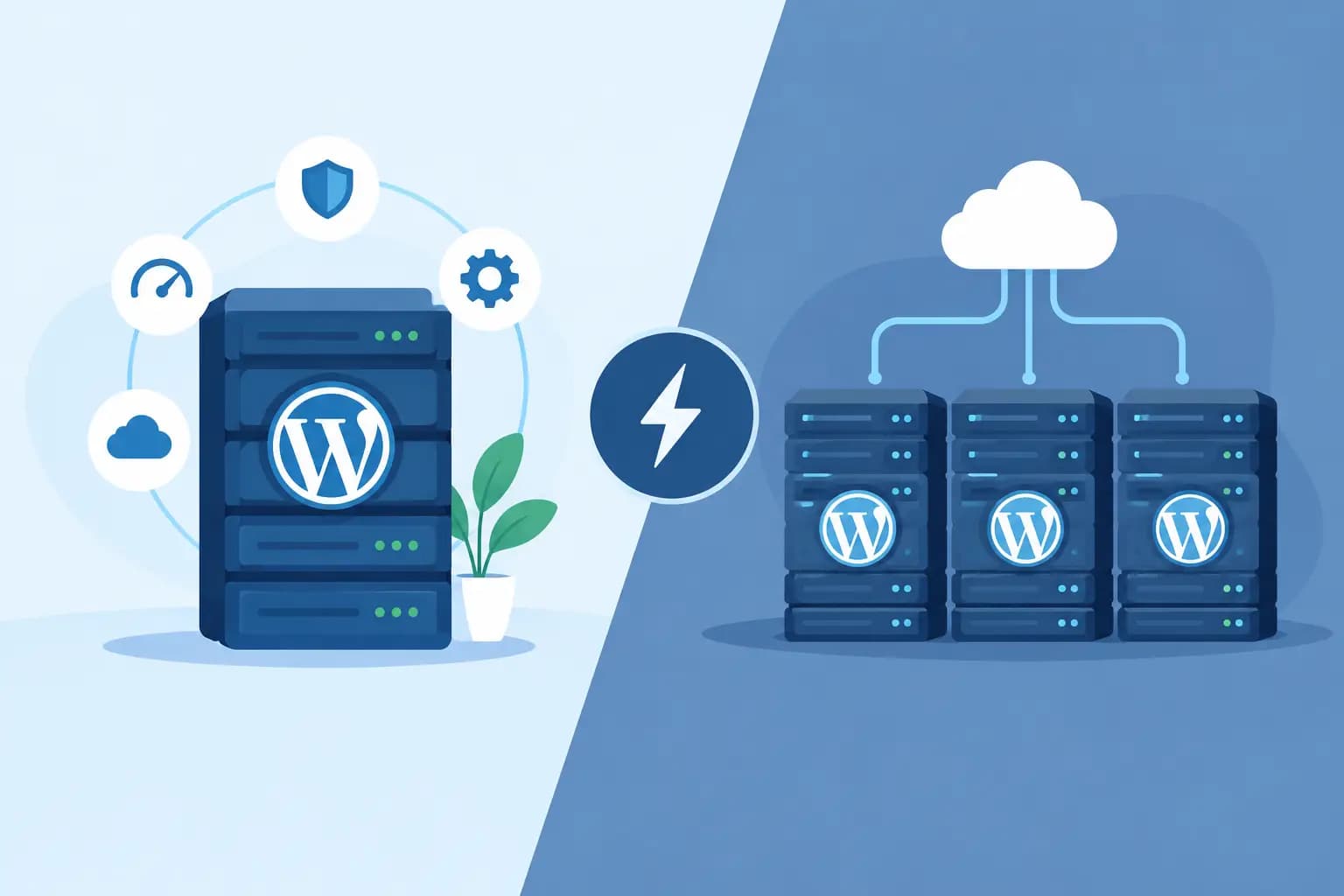
Managed WordPress Versus Shared Hosting: The Core Difference
Shared hosting is a general-purpose hosting environment. Multiple accounts use resources on the same server, while each customer manages their own website, files, email, domains, and applications through a control panel such as cPanel. WordPress can run very well on shared hosting, especially when the plan includes modern infrastructure, useful security tools, and enough resources for your traffic.
Managed WordPress hosting is built specifically around WordPress. The provider takes on more of the routine platform work, which may include WordPress updates, performance tuning, malware monitoring, backups, staging tools, and WordPress-focused support. The exact features vary by provider and plan, so “managed” should always be treated as a service description, not a universal checklist.
The practical distinction is responsibility. With shared hosting, you receive a flexible home for your website and more control over how you run it. With managed WordPress, you typically pay for a more guided WordPress experience and less day-to-day maintenance.
What Shared Hosting Does Well
Shared hosting remains a smart starting point for many small businesses. It is generally affordable, familiar, and flexible enough to support more than one type of online need. A single account may host a WordPress site alongside business email, additional domains, landing pages, or another small project.
It is especially useful when you want control. You may be able to choose your own WordPress plugins, adjust files, create databases, manage email accounts, and use a variety of web applications. Developers and experienced site owners often appreciate this access because it makes custom setups easier to support.
A well-configured shared hosting plan can also offer meaningful performance benefits. NVMe storage, LiteSpeed Enterprise, Redis caching, current PHP versions, and proper resource allocation can help a WordPress site respond efficiently. Still, these features do not replace good website practices. Large uncompressed images, overloaded page builders, outdated plugins, and poor-quality themes can slow down any hosting environment.
The trade-off is that the website owner usually has more responsibility. You may need to handle WordPress core updates, plugin compatibility, backup checks, security settings, and troubleshooting. If you are comfortable logging into WordPress and cPanel, that may be a reasonable exchange for lower cost and greater flexibility.
Where Managed WordPress Makes Sense
Managed WordPress hosting is designed for owners who want WordPress to require less attention. If your website brings in leads, appointments, donations, sales, or customer inquiries, reducing maintenance tasks can be valuable. The goal is not to remove every website responsibility. It is to make routine care more predictable and give you support that understands WordPress.
For example, a managed plan may include automated updates or update assistance, daily backups, a staging environment for testing changes, server-level caching, and help resolving common WordPress issues. Staging is particularly useful before redesigning a page, changing a theme, or adding a major plugin. You can test changes on a copy of the site instead of experimenting on the live version customers see.
Managed hosting can be a strong fit for a growing e-commerce store, a professional services website with active lead generation, or a content-heavy site that needs consistent attention. It can also help first-time website owners who would rather focus on their business than learn server administration.
That convenience can come with limits. Managed WordPress plans may restrict certain plugins because they duplicate platform features, create security concerns, or consume excessive resources. They may also offer less freedom for non-WordPress applications, custom server configurations, or complex email needs. Before choosing a plan, confirm what is included, what is restricted, and who handles restoration if a site update causes a problem.
Performance Is More Than a Hosting Label
It is tempting to assume managed WordPress is always faster than shared hosting. That is too simple. A managed environment may be optimized for WordPress and include caching configurations that improve consistency. However, a well-built WordPress site on quality shared hosting can also perform very well for modest traffic.
Performance depends on several moving parts: server resources, storage, caching, website code, theme quality, plugin count, image optimization, visitor locations, and traffic spikes. A simple five-page website for a Maryland contractor has very different needs than an online shop processing orders across the country.
Ask a more useful question: what happens when your website gets busy? If a marketing campaign, seasonal sale, or popular blog post brings a surge of visitors, will the plan provide enough resources and support? If the answer is unclear, choose a host that can explain the available options and provide an upgrade path as your needs change.
Security, Backups, and Updates: Know Who Owns What
Every website owner should treat security as an ongoing responsibility. Hosting providers can add important protections at the server and account level, but no plan can protect a website that uses weak passwords, abandoned plugins, or outdated software.
On shared hosting, you may receive security scanning, SSL certificates, firewall protections, and backups, while remaining responsible for WordPress updates and your plugin choices. On managed WordPress hosting, more of that maintenance may be handled for you or monitored more closely. Even then, you should know the backup schedule, retention period, restoration process, and whether backups cover both website files and databases.
For a business site, backups are not a feature to glance at during checkout. They are your recovery plan. Confirm how often they run, how long copies are retained, and how quickly you can restore a working version. Also keep a secure record of your WordPress administrator credentials, domain access, and key website licenses.
Cost Should Include Your Time
Shared hosting usually has the lower entry price. For a new freelancer, a personal brand, or a small organization with a straightforward website, that can be the right financial decision. The savings are real when you are willing and able to handle routine site maintenance.
Managed WordPress often costs more because it combines hosting with operational services. The comparison should include your time, not just the monthly rate. If a plugin conflict takes several hours to diagnose, or an outdated site interrupts customer inquiries, the lower-cost plan may no longer feel inexpensive.
Consider these four questions before you choose:
- Does your website directly generate sales, leads, appointments, or donations?
- Are you comfortable handling WordPress updates, backups, and basic troubleshooting?
- Do you need business email, multiple websites, or non-WordPress applications in one account?
- Would WordPress-specific support and staging tools reduce risk for your team?
Your answers matter more than the marketing label on the plan.
Which Option Fits Your Website?
Choose shared hosting when your site is relatively simple, your budget is tight, and you want broad control over websites, email, and applications. It is also a practical option for people who have a trusted web professional or are comfortable managing WordPress themselves. Look for clear resource limits, dependable support, current technology, and straightforward upgrade options.
Choose managed WordPress when WordPress is central to your business and you want less maintenance overhead. It is often worthwhile for site owners who value automated care, WordPress-specific expertise, staging, and a more focused hosting setup. Read the plan details closely so you understand the boundaries of the managed service.
Some businesses begin on shared hosting and move to managed WordPress as traffic, revenue, or operational demands increase. Others stay on shared hosting for years because it continues to meet their needs. Growth should guide the upgrade, not pressure or fear.
The right host should make the next step feel clear, whether you are launching your first website or supporting a busy online business. Start with the level of help you need now, keep an eye on how your site is used, and choose a provider that can grow with you when the website becomes an even bigger part of your work.