A customer finds your business after searching, tapping an Instagram profile, or clicking a link in an email. If your website shows an error at that moment, they rarely wait around to investigate. They move on. Website uptime monitoring gives you an early warning when your site cannot be reached, so a short technical issue does not quietly become lost leads, missed orders, or damaged trust.
For a small business, your website is often your storefront, scheduling desk, portfolio, support center, and sales team at once. Monitoring is not about obsessively refreshing your homepage. It is a practical way to know when visitors may be unable to access the services and information they came for.
What Website Uptime Monitoring Actually Checks
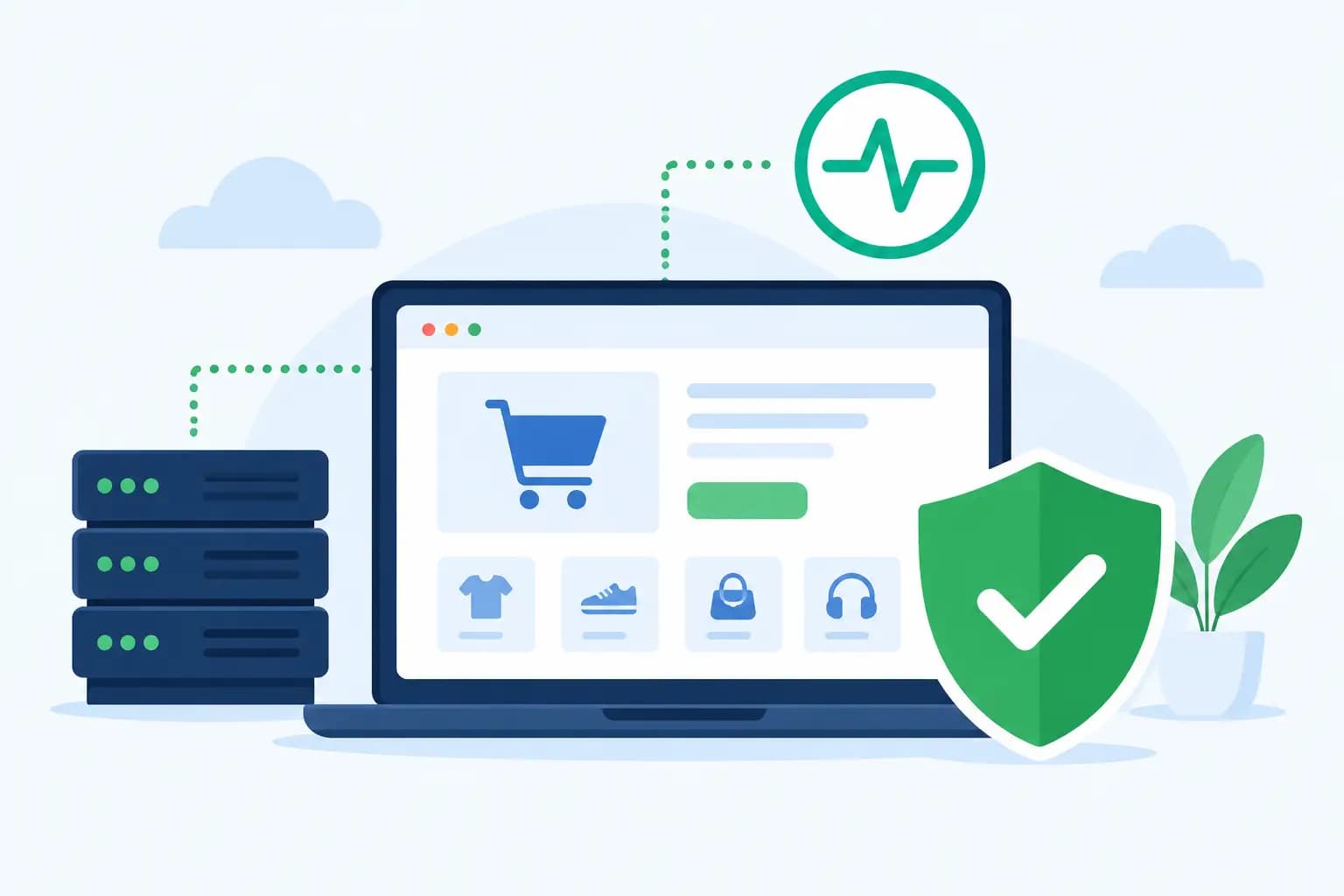
Website uptime monitoring checks whether your site is available from outside your hosting account. A monitoring service sends requests to your website at regular intervals and records whether it receives a successful response. When it does not, it can notify you by email, text message, app notification, or another alert method.
The key distinction is that uptime monitoring looks at the visitor experience. Your hosting server may be running while a misconfigured domain, expired SSL certificate, failed WordPress update, DNS issue, or overloaded application prevents the site from loading correctly. Monitoring helps reveal the result: can someone reach your site right now?
Most basic monitors check a page using HTTP or HTTPS and look for a successful status code. More advanced checks can confirm that a specific word appears on the page, test a checkout path, watch a port, or measure response time. The right level depends on what your website needs to do for your business.
Why Uptime Matters Beyond a Technical Error Page
Downtime is not always a dramatic, hours-long event. A five-minute interruption can matter if it happens during a product launch, a paid advertising campaign, or the exact window when a prospective client is comparing providers. For e-commerce stores, the cost may be visible in abandoned carts. For service businesses, it may be a contact form submission that never happens.
There is also a trust cost. Visitors may not know whether a problem is temporary. They only know that your business did not load when they needed it. This is especially significant for first-time visitors who have not yet built confidence in your brand.
Monitoring also gives you useful facts when speaking with your hosting provider or developer. Instead of reporting that the site “seemed down earlier,” you can share the approximate start time, duration, affected URL, error type, and whether the issue was resolved. That context can shorten troubleshooting and make recurring patterns easier to spot.
Set Up Website Uptime Monitoring That Fits Your Business
Start with your most important public-facing page. For many businesses, that is the homepage. For an online store, it may also include a product page, cart, checkout page, and account login. A restaurant or local service provider may want to monitor the online booking page or contact form page as well.
Choose a monitoring interval that balances speed and practicality. Checking every minute can identify problems faster, but it may cost more and generate alerts for very brief network interruptions. Five-minute monitoring is often a sensible starting point for a small business website. A high-volume store, membership platform, or site running time-sensitive campaigns may benefit from more frequent checks.
Configure alerts to reach the person who can act. Sending notifications only to a general inbox creates a delay when the issue happens after business hours. If you work with a developer, agency, or IT contact, decide in advance who receives the first alert and who should be included if the issue continues.
Avoid relying on one monitoring location when your customers are spread across the United States. A check from more than one region can help distinguish between a broad outage and a localized network issue. This can be useful for businesses serving customers in Maryland, Washington, DC, Virginia, and beyond, where visitors may be connecting through different providers and routes.
Monitor More Than Availability When It Affects Revenue
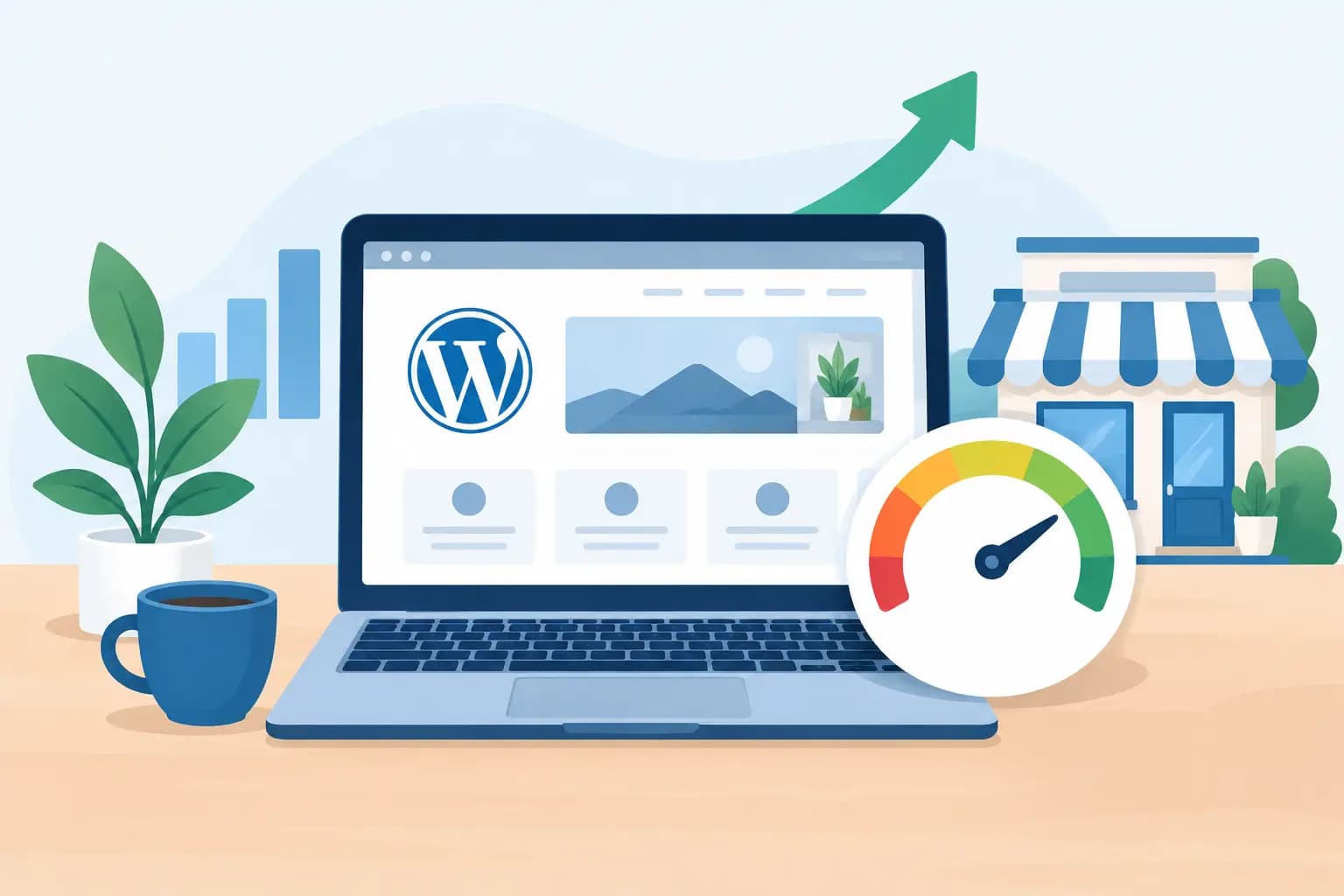
A page that loads slowly is not technically down, but it can still cost your business opportunities. Response-time monitoring can show whether a site is becoming sluggish before it becomes unavailable. A gradual slowdown may point to traffic growth, an inefficient plugin, database pressure, large media files, or resource limits that need attention.
For WordPress websites, watch for changes after plugin, theme, core, or PHP updates. Updates are necessary for maintenance and compatibility, but they can occasionally conflict with another component. Monitoring the site after a planned update gives you a better chance of catching a visible problem before customers report it.
If your site processes orders or collects leads, consider a transaction-style check where appropriate. A simple uptime check may confirm that the homepage works while a payment gateway, form integration, or booking tool has failed. These checks take more configuration and should never expose customer information, but they can be valuable for business-critical workflows.
What to Do When You Receive an Outage Alert
An alert is the beginning of the process, not proof that your entire website is broken. First, open the site from a separate connection, such as a mobile device using cellular data. This helps rule out a problem with your local internet connection or browser cache.
Next, check whether the issue affects the whole site or one page. Note the exact error message, the time you received the alert, and any changes made shortly before it happened. Recent domain changes, DNS updates, website edits, plugin installations, and expired billing details are all useful clues.
If the site is still unavailable, contact your hosting support team with those details. A reliable hosting partner can check server status, account-level issues, error logs, and domain-related settings. GiddyHost customers can also benefit from keeping account contact information current so support communications reach the right person quickly.
Do not make several major changes at once while trying to fix the problem. Reinstalling plugins, changing DNS records, restoring backups, and editing files without a clear diagnosis can make recovery harder. Work through one action at a time, and keep track of what changed.
Common Gaps That Monitoring Cannot Solve Alone
Monitoring is a safety net, not a substitute for sound website management. It cannot prevent every outage, secure an outdated website, or fix a poorly configured application by itself. It tells you that a problem may be visible, allowing you to respond sooner.
A useful uptime plan should sit alongside regular backups, timely software updates, secure account access, domain renewal reminders, and a hosting plan that fits your traffic and application needs. If your website has outgrown its resources, monitoring may reveal the symptoms, but upgrading or optimizing the site addresses the cause.
It also helps to define acceptable downtime realistically. No provider can promise that every connection path, third-party service, or internet network will work perfectly at every second. What matters is dependable infrastructure, clear communication, fast investigation when something goes wrong, and a recovery process your business can trust.
Turn Monitoring Data Into Better Website Decisions
Review your monitoring history monthly, not only when there is an alert. Look for repeated short outages, times of day with slower responses, or problems tied to maintenance activities. A single event may be random. A pattern deserves attention.
Use those findings to make measured decisions. You may need to optimize images, remove an unused WordPress plugin, improve caching, update DNS settings, or move to a hosting package with resources better suited to your traffic. For an e-commerce business, the best time to make changes may be before a seasonal promotion rather than in the middle of one.
The goal is simple: make sure the website you work hard to promote is available when people are ready to use it. A thoughtful monitoring setup gives you visibility, helps your team respond with confidence, and keeps small issues from becoming silent setbacks for your business.